
Google Search Console SEO: 7 Reports and 5 Fixes That Matter
Every other SEO tool is guessing. Google Search Console is the only place you see what Google actually recorded: the real queries, the real positions, the real clicks, and the exact reason a page is or is not in the index.
It is free, and most site owners open it once, look at the graph, and close it again. This guide covers the seven reports that matter, the five fixes they hand you, and the mistakes that make people read the data wrong.
Setting it up properly
Two decisions at setup save you trouble later.
Choose a Domain property, not a URL prefix. A Domain property covers every subdomain and both http and https in one place. A URL prefix property only covers the exact address you typed, which is how people end up with four properties and four partial datasets. Domain properties verify through DNS, which means adding one TXT record at your registrar.
Submit your sitemap on day one. Sitemaps → paste sitemap_index.xml or sitemap.xml → Submit. This does not force indexing, but it tells Google every URL you care about rather than making it find them by following links.
Data starts collecting from the day you verify. It is not backdated, so the earlier you set it up, the more history you have.

The seven reports that matter
1. Performance — queries
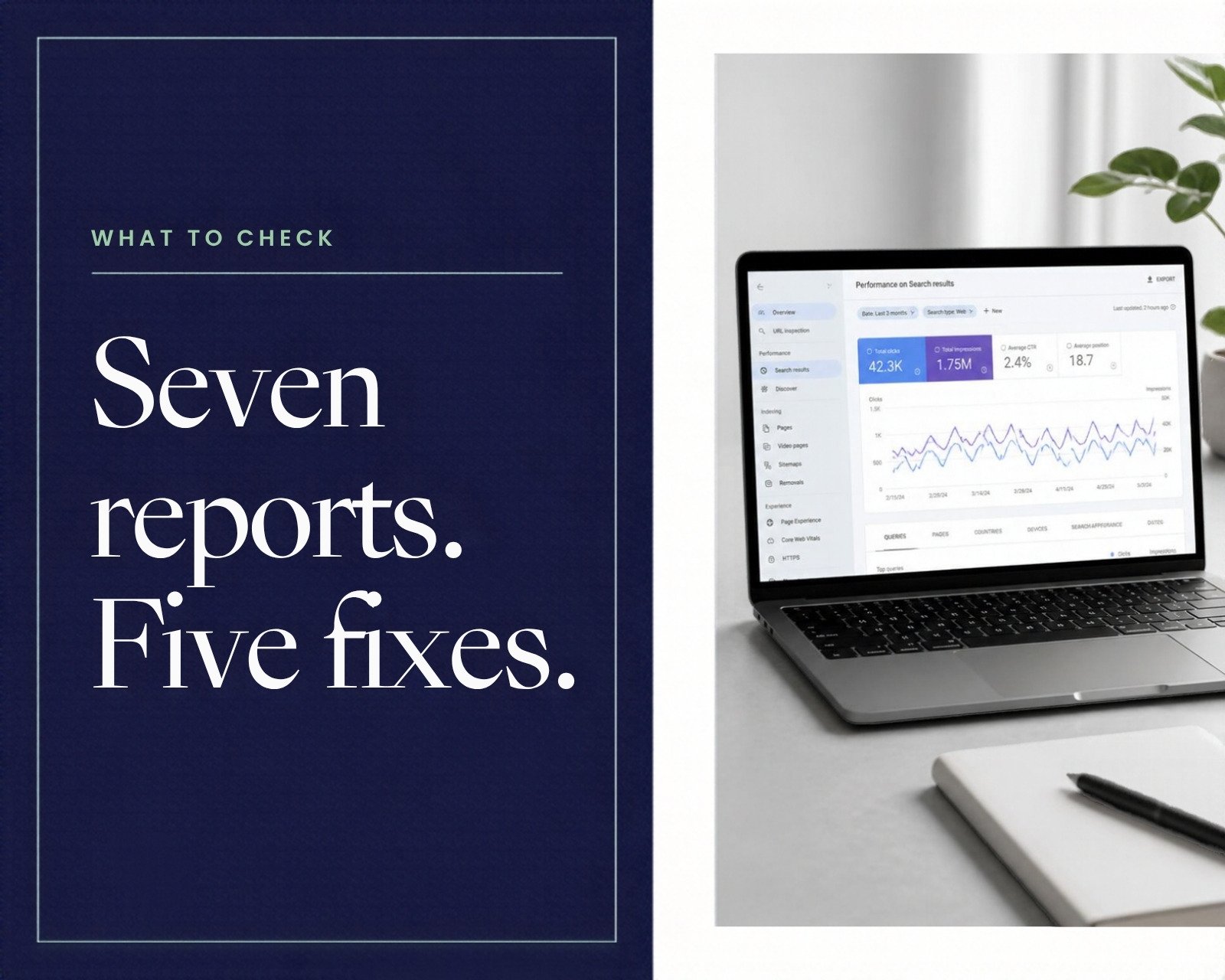
This is the most valuable screen in SEO. It lists the actual search terms people typed before seeing your site, with impressions, clicks, click-through rate and average position.
Turn on all four metric boxes at the top. Most people leave position and CTR switched off and then wonder why the numbers do not add up.
Two filters make this report far more useful. Filter by country to separate US traffic from everything else, because a term ranking 6th in the US and 40th elsewhere shows as a meaningless average otherwise. And switch the device tab between mobile and desktop — the same page often sits several positions apart on each, and mobile is usually where the problem is.
Sort by impressions rather than clicks. Impressions tell you what Google thinks you are relevant for; clicks only tell you what is already working.
2. Performance — pages
The same data grouped by URL. Use it to find pages pulling impressions you did not plan for, and pages with plenty of impressions and almost no clicks.
Click any page, then switch back to the Queries tab. You now see exactly which terms that one page ranks for — which is the fastest way to work out what to add to it.
3. Page indexing
Two groups: indexed pages, and pages that are not indexed with a reason for each. The reasons are the useful part:
- Crawled – currently not indexed. Google looked and decided it was not worth storing. Usually thin or duplicate content.
- Discovered – currently not indexed. Google knows the URL exists but has not crawled it. Common on new sites and sites with slow servers.
- Duplicate without user-selected canonical. Google found near-identical pages and picked one itself.
- Excluded by noindex tag. Deliberate — but check it is deliberate.
- Soft 404. The page returns 200 but looks empty to Google.
4. URL Inspection
The search bar at the top of Search Console. Paste any URL and it tells you whether that exact page is indexed, which canonical Google chose, when it was last crawled, and what the rendered HTML looked like.
“Test live URL” checks the page as it is right now rather than as it was last crawled. Use it after a fix, before requesting indexing — otherwise you may be asking Google to re-crawl a page that still has the problem.
5. Sitemaps
Shows the sitemaps Google has read, when it last read them, and how many URLs it found. A sitemap stuck on “Couldn’t fetch” for days is a real problem — usually a wrong path, a blocked file, or a sitemap that returns an error.
6. Core Web Vitals and Page experience
Real-world speed data from actual Chrome users, split by mobile and desktop. It needs enough traffic to report, so a new site will often show “Not enough data” — that is normal, not a fault.
Pages are grouped by issue, so you fix one template and every page using it improves together.
7. Links
Your external links, internal links, top linking sites and most-used anchor text. Google’s own view of your link profile, which is a useful sanity check against third-party tools.
The internal links table is the underused half. A page with very few internal links is a page you have told Google not to care about.
Five fixes Search Console hands you
1. Rewrite titles for high-impression, low-click pages. Filter Performance by pages, sort by impressions, and look for anything with a click-through rate under about 2% while sitting in positions 5–15. Those pages already rank; the title and meta description are losing the click. Rewriting them is the fastest win available in SEO because no new content is needed.
2. Add sections for queries you nearly rank for. Filter queries to positions 11–20. These are terms Google already associates with you but places just off page one. Adding a proper section answering that exact query often moves the page several positions within weeks.
3. Fix or remove “Crawled – currently not indexed” pages. Google is telling you the page is not worth storing. Either make it substantially better, merge it into a stronger page, or remove it. Requesting indexing without changing anything almost never works.
4. Add internal links to orphaned pages. Compare the Links report against your sitemap. Any page with one or two internal links needs more, from pages that are already doing well.
5. Compare date ranges, not single weeks. Use the date filter to compare the last 28 days against the previous 28. A single bad week is noise; a pattern across two periods is a signal.
Mistakes that make the data misleading
Reading average position as a ranking. Average position is averaged across every query and every location where you appeared. A page can show position 14 while actually ranking 4th for its main term and 40th for a dozen irrelevant ones.
Expecting clicks to match analytics. Search Console counts clicks from Google search only. Analytics counts every visitor from every source. They will never match, and they are not supposed to.
Ignoring the three-day lag. Data takes two to three days to settle, so the last few days of any graph always look like a drop.
Requesting indexing repeatedly. There is a daily quota and no advantage to asking twice. Fix the page first, then request once.
Treating the top-queries list as complete. Google filters out queries with very low volume for privacy reasons, so your impression total will always exceed the sum of the listed queries.
A simple weekly routine
Fifteen minutes, once a week, beats an hour once a quarter:
- Performance, last 28 days vs previous 28 — are clicks and impressions trending up?
- Queries in positions 11–20 — pick one and improve the page that targets it
- Pages with high impressions and CTR under 2% — rewrite one title
- Page indexing — has any new error appeared since last week?
- Any new page from this week — inspect the URL and confirm it is indexed
Once your site has real search traffic, that routine will tell you more about what to write next than any keyword tool. Our guide to local SEO for small business covers the map-pack side, which Search Console does not report on, and the product photography guide covers the image side of listing pages.
Frequently asked questions
Is Google Search Console free?
Yes, completely, with no paid tier. You need a Google account and the ability to verify ownership of the site.
How long before data appears?
Collection starts at verification and the first useful numbers show within two to three days. History is not backdated.
Does Search Console improve rankings by itself?
No. It reports and diagnoses. Rankings change when you act on what it shows.
Why do impressions not match clicks?
An impression means your result appeared on a results page. A click means someone chose it. The gap between them is your click-through rate, and that is the number you can usually improve fastest.
How often should I check it?
Fifteen minutes weekly for the routine above, plus a quick URL inspection each time you publish something new.
What is the difference between a Domain and a URL prefix property?
A Domain property covers all subdomains and both protocols and verifies by DNS. A URL prefix property covers only that exact address and verifies several ways, including an HTML file or tag.
The short version
Set up a Domain property, submit the sitemap, and then use four screens: queries, pages, page indexing and URL inspection.
Each week, find one page with impressions but almost no clicks and rewrite its title, and find one query sitting just off page one and improve the page behind it. That is the whole routine — and it works because you are improving pages Google has already decided to show.