
Ecommerce Product Photography: 6 Shots and a $50 Setup
Shoppers cannot pick your product up, turn it over or feel the weight of it. The photograph has to do all of that. It is the single biggest lever on conversion that most small stores leave untouched, and it is also the one you can fix this weekend without hiring anyone.
This guide covers the gear that actually matters, the lighting setup that works in a spare room, the shots every listing needs, and the platform rules for the US, UK and Europe.
What ecommerce product photography has to do
It is not art direction. A product photo has three jobs, and a photo that does all three outperforms a prettier one that does not.
Show the product honestly. True colour, true proportions, nothing hidden. Most returns in online retail come down to the item not matching what the buyer expected.
Answer the question the buyer has not asked. How big is it? What is on the back? What does the fastening look like? Every unanswered question is a reason to close the tab.
Look consistent next to your other products. A category page where every item sits on the same background at the same scale reads as a real shop. A mix of backgrounds reads as a reseller.
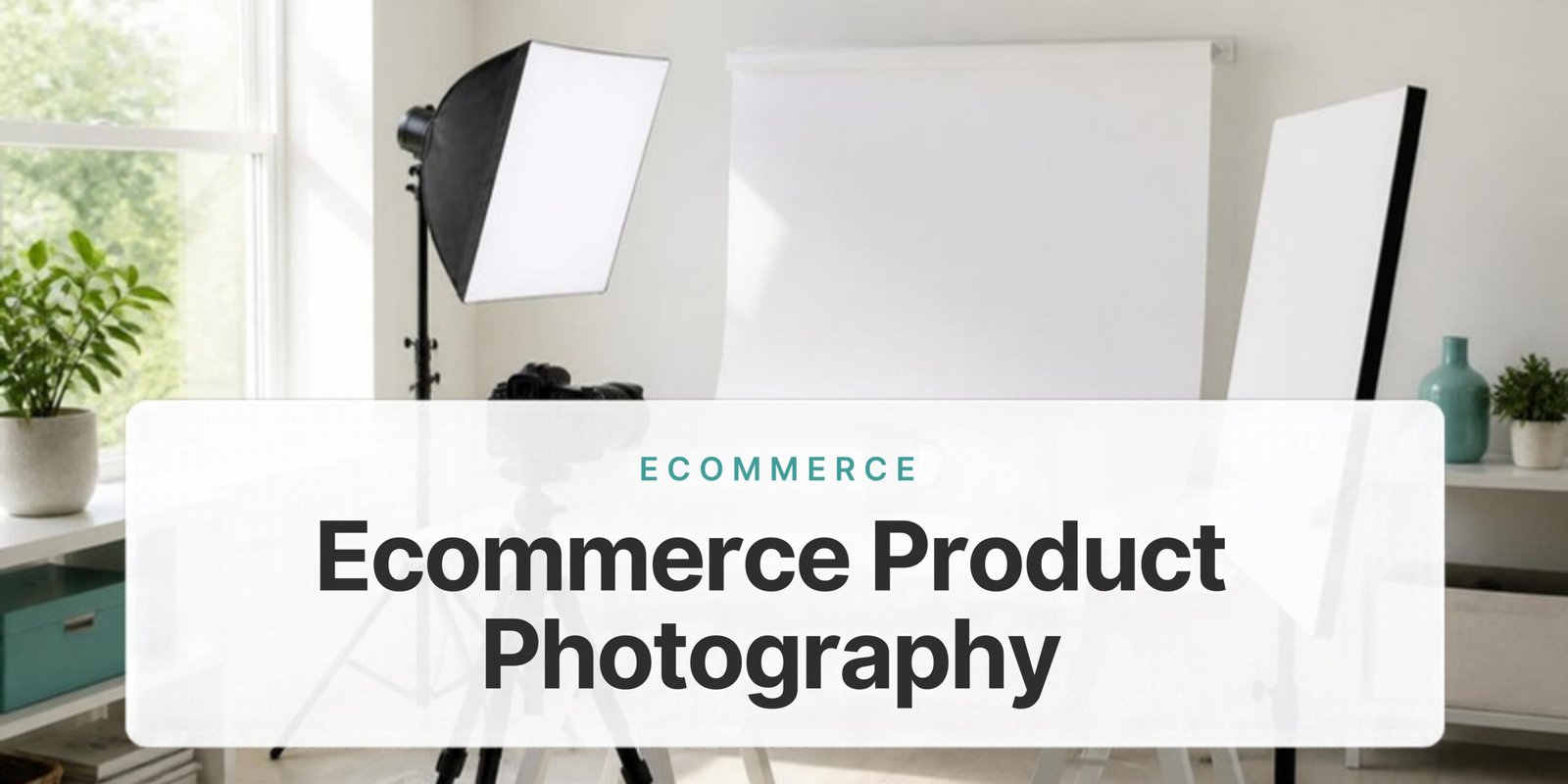
The setup, and what it really costs
You can build a working setup for very little. The jump in quality comes from light and background, not from the camera.
| Item | Budget | Why it matters |
|---|---|---|
| Camera | Your phone | A modern phone shoots sharper than a ten-year-old DSLR. Use the main lens, never the digital zoom. |
| Tripod | $20–$40 | The most valuable thing you will buy. It locks framing so every shot in a set matches. |
| Light | $0–$120 | A north-facing window is free and excellent. Two softbox lights remove the weather from the equation. |
| Diffuser | $0–$25 | A white bedsheet over the window, or a cheap diffusion panel. Turns hard light soft. |
| Reflector | $0–$15 | White foam board. Bounces light back into the shadow side so detail does not disappear. |
| Backdrop | $10–$30 | A roll of white paper curved from wall to table — a “sweep” — gives a seamless, edgeless background. |
| Lightbox | $40–$90 | Optional. For small items it collapses the whole setup into one box. |
Total: roughly $50 with window light, or $150–$250 for a setup that works at 9pm in November.
Lighting: the part that decides everything
Bad lighting cannot be fixed in editing. Good lighting barely needs editing.
The free version: window light
Place your table beside a window that does not get direct sun — north-facing in the northern hemisphere, south-facing in the southern. Put the product about a metre from the glass with the window to one side, not behind the camera.
Hang a white sheet over the window to soften the light. Stand a white foam board on the shadow side, roughly where a second light would go, and slide it closer until the shadows open up but still show the product’s shape.
Turn off every other light in the room. Mixing daylight with a warm ceiling bulb gives you two different colours of light in one frame, and no amount of editing untangles that cleanly.
The controlled version: two lights
Put your key light at roughly 45 degrees to one side and slightly above the product. Put the second light on the opposite side, further back and dialled down to about half the power of the key. The job of the second light is to lift the shadows, not to erase them.
Shadows are not the enemy. A product lit evenly from every direction looks flat and cut out. A soft shadow falling to one side is what makes the object look solid.
The shot list every listing needs
Shoot the same six frames for every product. Consistency is what makes a small catalogue look professional.
- The hero. Straight on, product filling most of the frame, plain white background. This is your thumbnail, so it has to read at the size of a postage stamp.
- Three-quarter angle. Turned about 30 degrees and slightly raised. This is the shot that makes a flat object look three-dimensional.
- The back. Boring, and the single most requested view in customer messages.
- A detail. The stitching, the clasp, the texture, the finish. Close enough that the buyer can judge quality.
- Scale. Next to a hand, a coin, or any everyday object. Size confusion is one of the most common causes of returns.
- In use. The product where it will actually live. This is the shot that does the selling in ads and on social.
Shoot all six before you move the camera. Moving the tripod between products is how a catalogue ends up inconsistent.

Camera settings that make a difference
On a phone, tap the product to lock focus and exposure, then drag the exposure slider down slightly — a touch underexposed keeps detail in whites, and that is easy to lift later. Shoot in the highest resolution available and turn off any beauty or scene-enhancement mode.
On a camera, aperture around f/8 keeps the whole product sharp rather than just the front edge. Keep ISO at base, usually 100, and let the shutter be slow — you are on a tripod. Set white balance manually so every frame matches, and shoot RAW if you can.
Editing: four steps, nothing more
Heavy editing is what makes a photo look fake and drives returns up. Four steps are enough:
1. Straighten and crop. Centre the product and leave a little breathing room. Keep the same crop ratio across the whole catalogue.
2. Fix white balance. Use the white-point picker on the white background. If your background looks grey or blue, every colour in the frame is off.
3. Lift exposure, clean the background. Bring brightness up until the background is near-white but not blown out, then remove dust and marks.
4. Sharpen lightly and export. A small amount only. Export at around 2000 px on the longest side, compressed to roughly 200 KB. Slow product images cost you both conversions and search visibility.
Resist the urge to boost saturation. A buyer who receives a duller item than the photo showed does not come back.
Platform requirements
| Platform | Main requirements |
|---|---|
| Amazon | Pure white background (RGB 255,255,255) on the main image, product filling at least 85% of the frame, 1600 px or more on the longest side for zoom. No text, logos or borders on the main image. |
| Shopify | Square images, 2048 × 2048 px works well. Consistent dimensions across products keep collection pages tidy. |
| eBay | At least 500 px on the longest side, 1600 px recommended. No added borders, text or watermarks. |
| Google Shopping | Minimum 100 × 100 px, 800 × 800 px recommended. No promotional text or watermarks — a common cause of feed disapprovals. |
| Instagram and Facebook | Square or 4:5. Keep the product centred with clear margins so nothing is cut off when the image is cropped to a thumbnail. |
Shoot once at high resolution and export per platform. Never upscale a small file.
Five mistakes that cost sales
Mixed light sources. Daylight plus a warm bulb gives you two colour temperatures in one frame and no clean fix.
Direct flash. Hard shadows, blown highlights, and a glare spot on anything shiny.
Inconsistent backgrounds. A category page with five different backgrounds undermines trust faster than any single bad photo.
Over-editing colour. The most common driver of “not as described” returns.
Only one photo. Listings with a full set of images convert noticeably better than single-image listings, simply because fewer questions are left open.
When to hire a photographer
Do it yourself for simple, solid, matte products, for a catalogue you update often, and while you are still testing what sells.
Pay someone when the product is reflective — glass, chrome, jewellery — because those need specialist lighting; when you need models or styled lifestyle sets; when a launch has to look right first time; or when the hours you would spend are worth more spent on finding customers.
Expect roughly $15–$50 per image for straightforward white-background work in the US and UK, and more for styled or model shots. If you are still shaping the catalogue itself, our guide to starting an online store without inventory covers that side.
Frequently asked questions
Can I use my phone for ecommerce product photography?
Yes. A current phone on a tripod in good light beats an expensive camera handheld in bad light. Light and stability matter far more than the sensor.
How do I get a pure white background?
Light the background separately from the product, or shoot on white paper and lift the exposure in editing until the background reads as white. Avoid cutting the product out by hand — the edges give it away.
How many photos should a listing have?
Six to eight. Hero, angle, back, detail, scale, and one or two in use.
What size should product images be?
Around 2000 px on the longest side, compressed to roughly 200 KB. Large enough to zoom, small enough to load quickly.
Do I need a lightbox?
Only for small items. For anything larger, a paper sweep and one soft light source gives better, more natural results.
The short version
Buy a tripod. Use a window with a sheet over it and a foam board on the shadow side. Shoot the same six frames for every product on the same white sweep. Fix white balance, lift exposure, sharpen a little, and stop there.
That setup costs under $50 and will outperform most of the photography on your competitors’ listings — because most of them are still shooting on a kitchen counter with the ceiling light on.